Manual Vector Tracing Service
Manual Vector Tracing for Logos & Artwork
100% manually redrawn in Adobe Illustrator — clean, editable, scalable vectors with no Image Trace shortcuts.
- 100% Manual Redraw
- No Auto-Trace
- AI • EPS • SVG • PDF
- Print-Ready Files
12+Years Experience
4,000+Projects Completed
1,700+5-Star Client Reviews
40+Countries Served
The Problem — And The Solution
Your Logo Looks Fine Until You Need to Print It
Raster logos become pixelated when enlarged. Auto-trace tools often create noisy paths that printers, embroiderers and cutters reject.
We manually rebuild your artwork by hand in Adobe Illustrator so you receive smooth curves, clean anchor points, and production-ready vector files you can trust.
Pixelated and blurry when enlarged
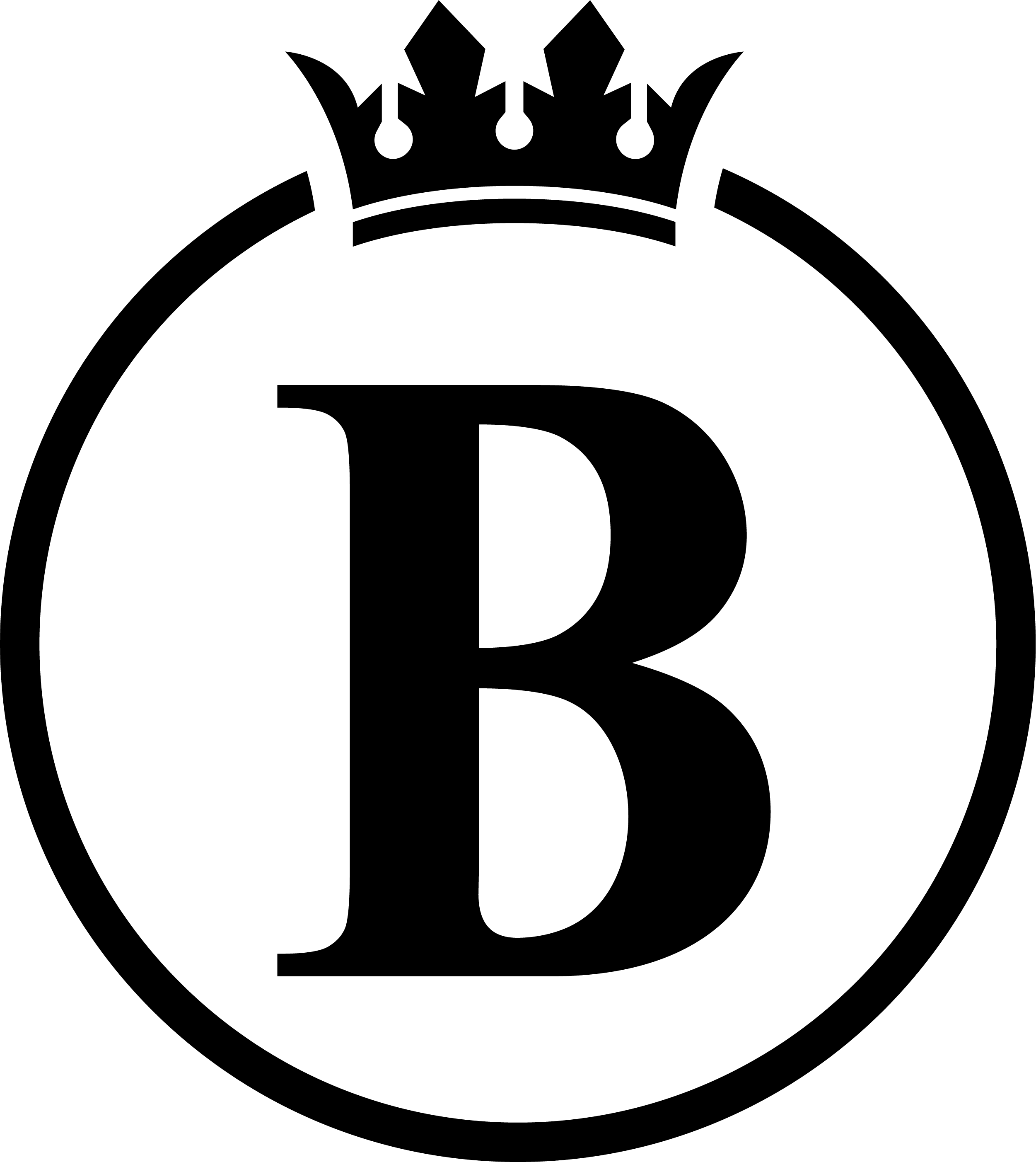
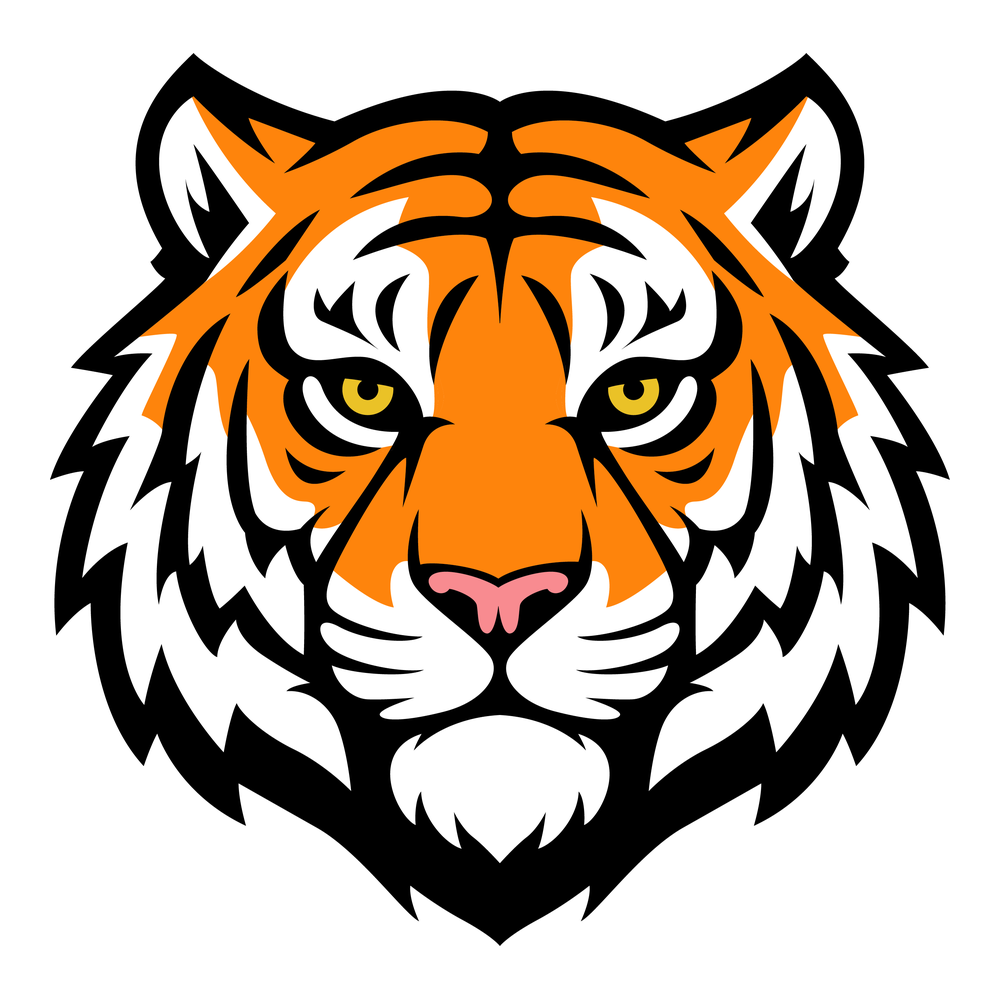
Clean, scalable and print-ready
Why Choose Manual Vector Tracing?
| Auto Trace / AI | Recommended Manual Vector Redraw |
|---|---|
| Rough paths | Clean anchor points |
| Distorted details | Accurate recreation |
| Not production-ready | Print & embroidery ready |
| One-click conversion | Hand-built in Illustrator |
100% Manual
Every path is recreated by hand in Adobe Illustrator.
No Auto-Trace
We don’t use automatic tracing or shortcuts.
Production Ready
Built for print, embroidery, signage, apparel and more.
Fully Editable
Clean vector paths that can be edited and scaled.
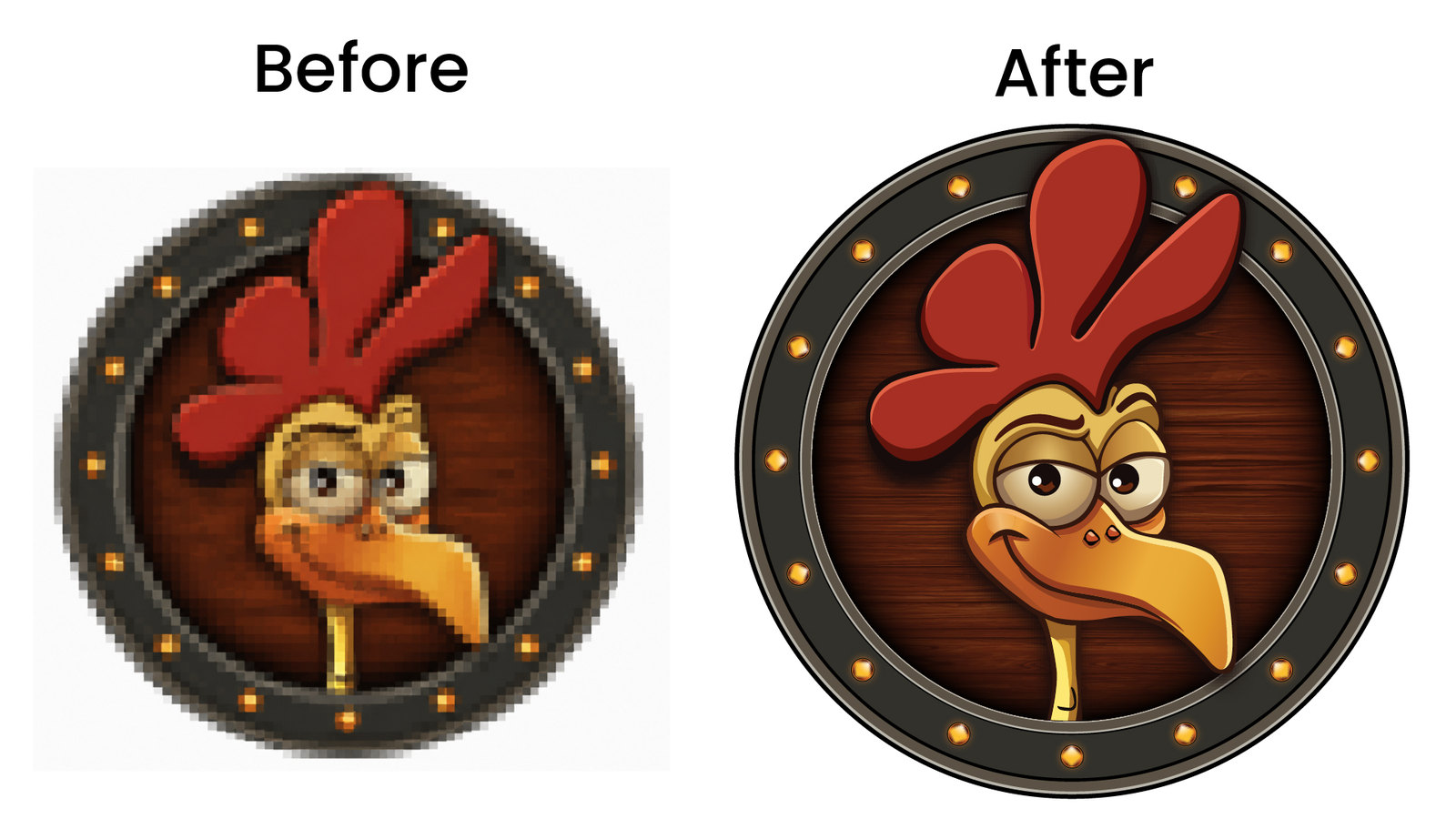
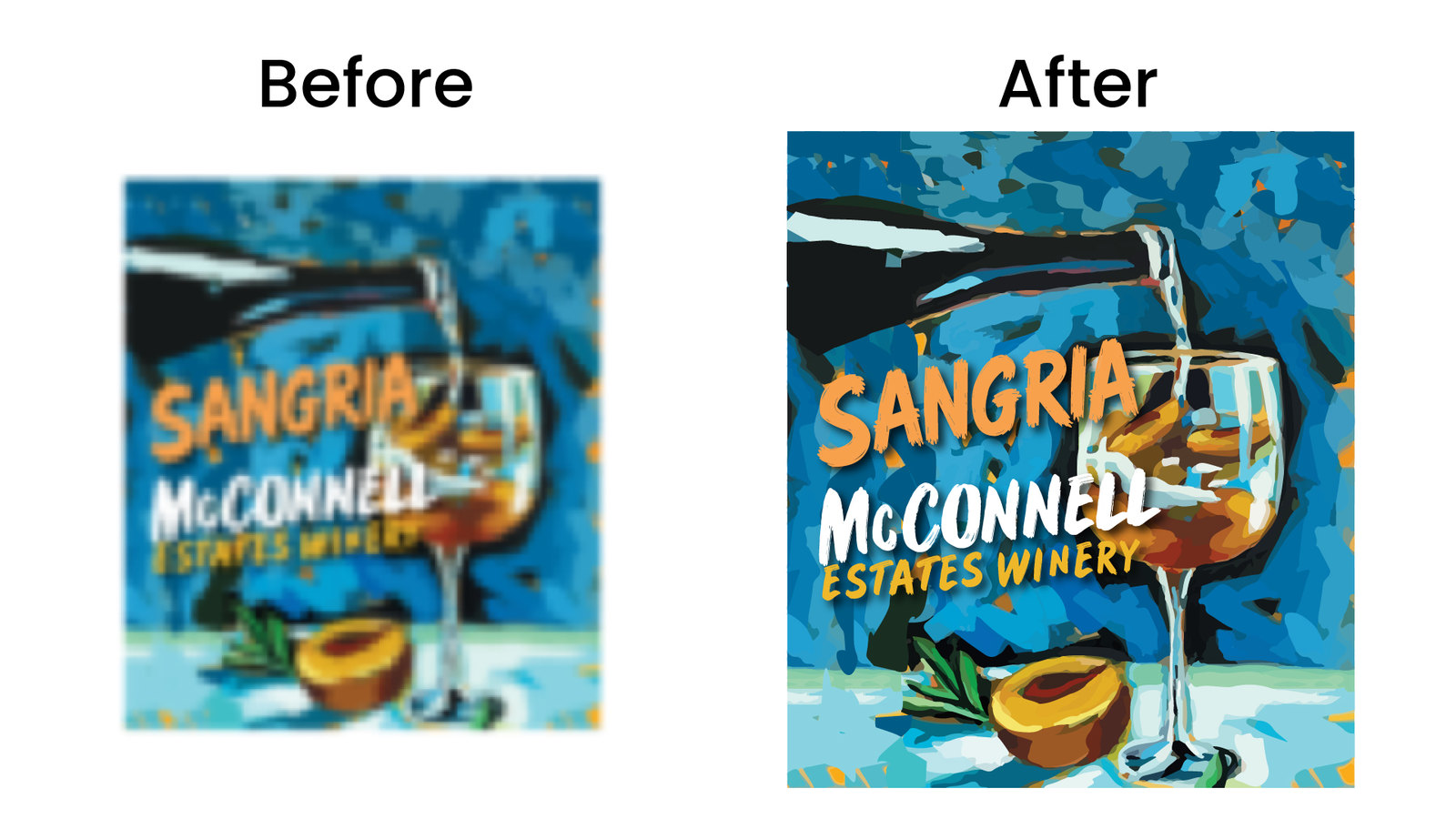
See the Difference
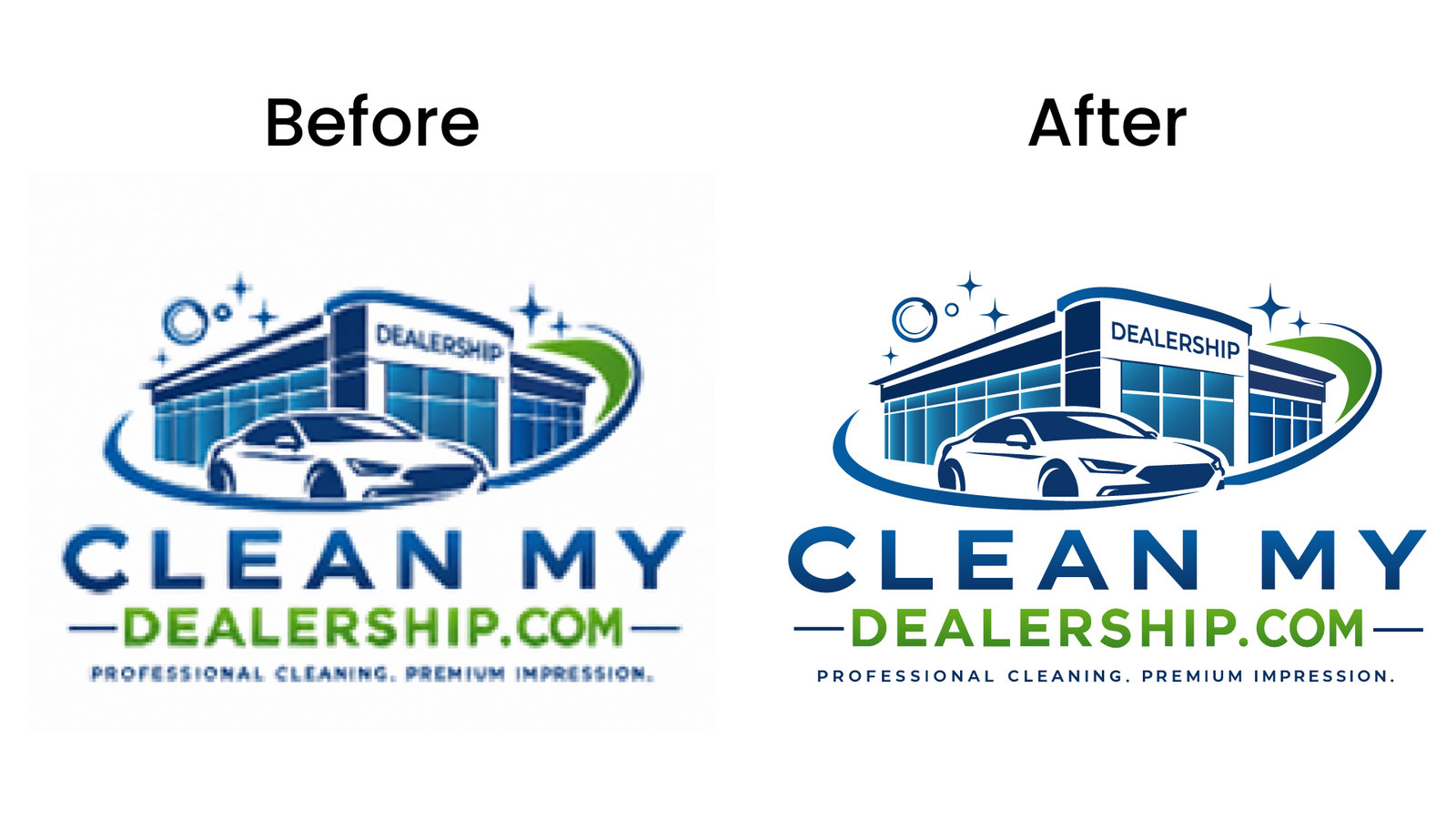
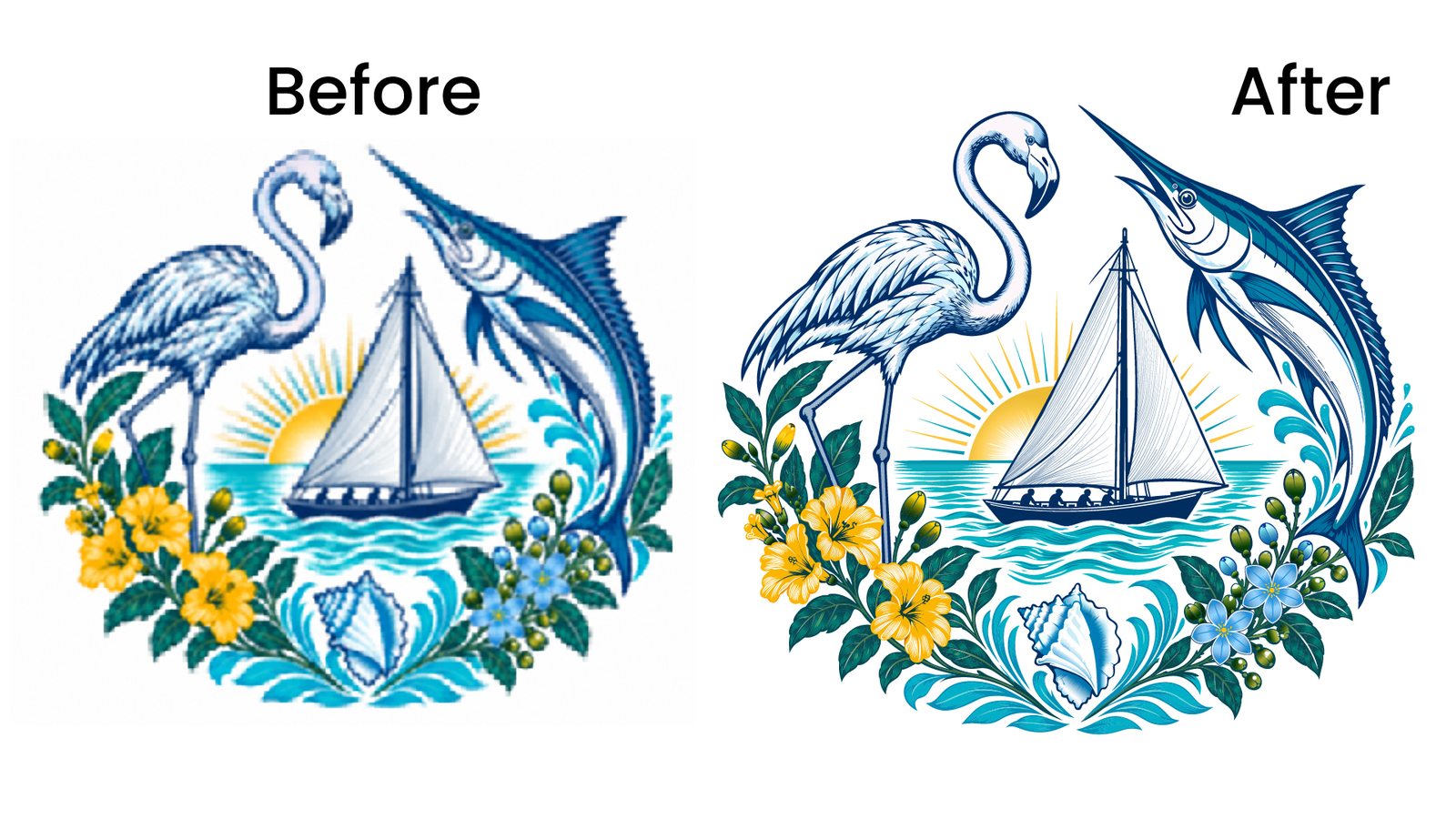
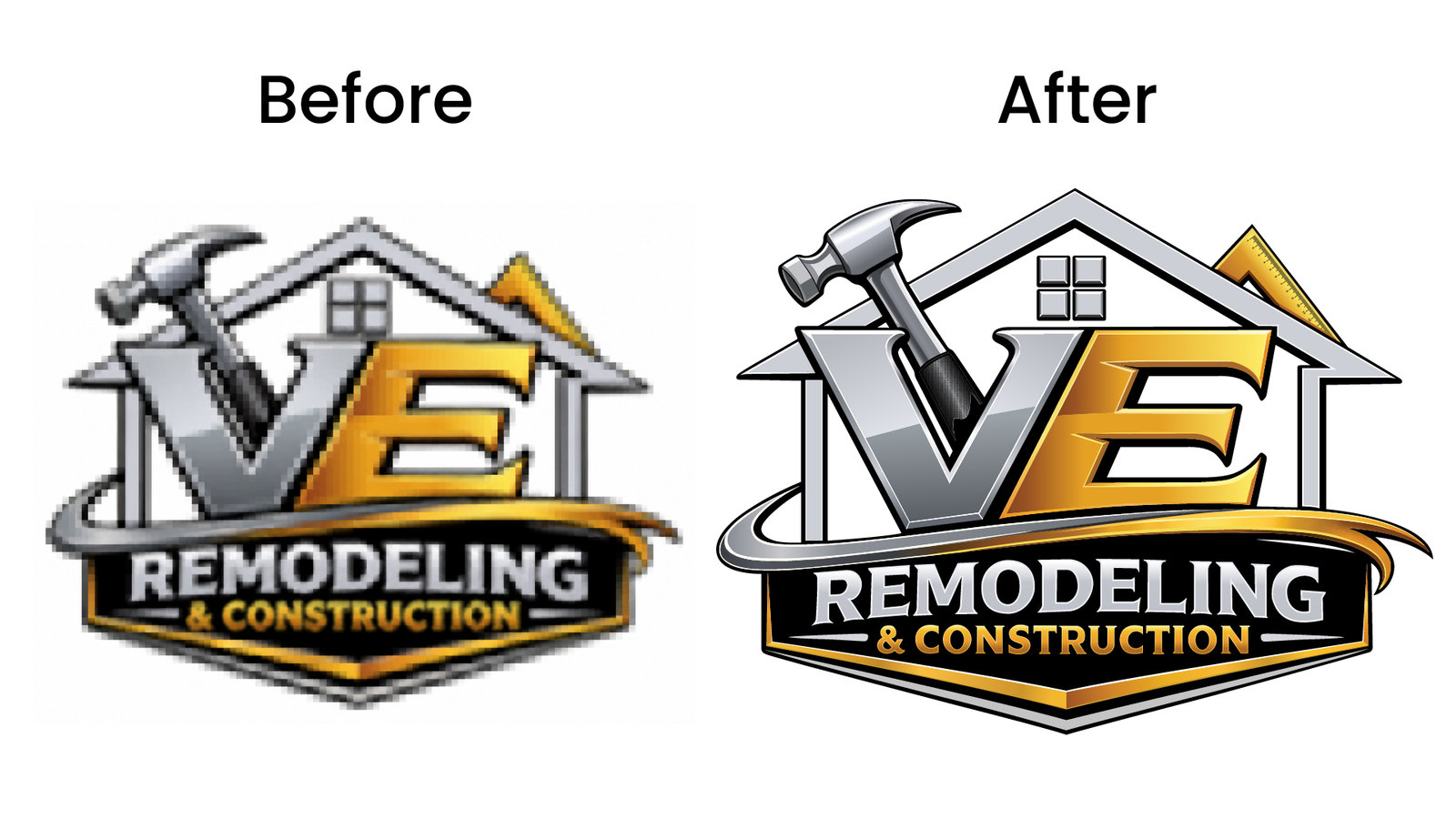
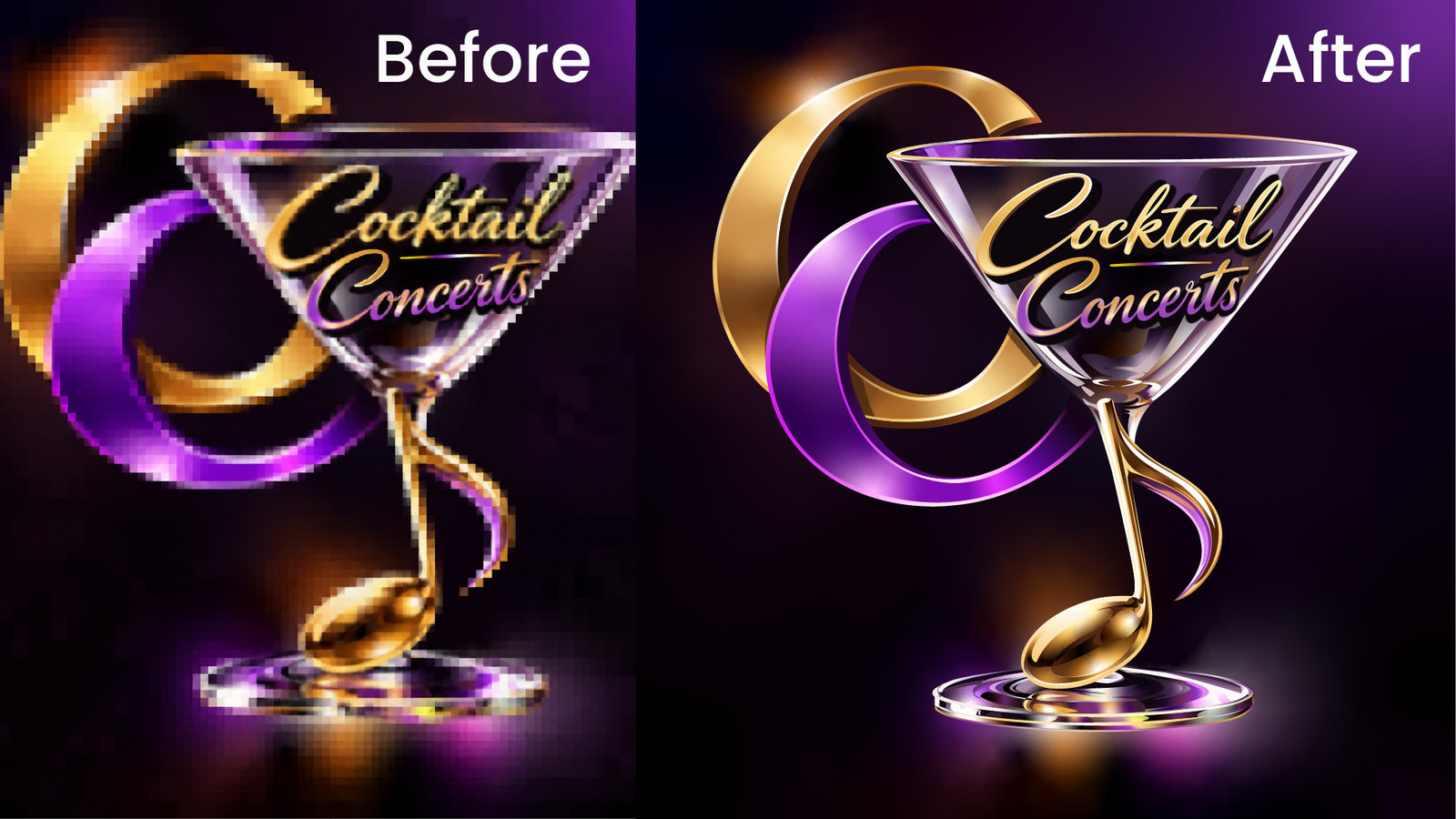
Real client redraws from our portfolio — raster sources rebuilt as clean vectors.
How It Works
A simple process from your artwork to the final vector files.
-
1
Upload Your Artwork
Send us your logo, image, scan, or existing artwork.
-
2
We Review It
We check complexity, details, colors and intended use.
-
3
Get Your Quote
We send you the project price before starting.
-
4
Manual Redraw
Our designer manually recreates the artwork in Adobe Illustrator.
-
5
Review & Delivery
You receive final production-ready vector files with revisions if needed.
Your Final Files
We provide industry-standard vector files.
 AI
Editable Adobe Illustrator artwork
AI
Editable Adobe Illustrator artwork
 EPS
Print & Production
EPS
Print & Production
 SVG
Web & Cutting
SVG
Web & Cutting
 PDF
Print & Sharing
PDF
Print & Sharing
 PNG
High-Resolution Preview
PNG
High-Resolution Preview
 JPG
Web & Preview
JPG
Web & Preview
Who This Service Is For
Trusted by businesses and professionals worldwide.
Built for Real Production
Ready for real-world use.
- Offset and digital printing
- Screen printing
- DTF printing
- Embroidery digitizing prep
- Signage and large-format
- Vinyl cutting and vehicle wraps
- Packaging and merchandise
Our Process
Our Manual Adobe Illustrator Process
Every project is redrawn by hand — never Image Trace.
-
Review your file
We inspect resolution, missing detail, and intended use before quoting.
-
Manual redraw
Shapes, type, and icons are recreated with the Pen tool in Adobe Illustrator.
-
Color & spacing check
Brand colors and proportions are matched carefully to your reference.
-
Soft proof & revisions
You review a preview; we refine until the redraw is approved.
-
Final delivery
You receive AI, EPS, SVG, PDF, and a high-resolution PNG preview.
Simple, Transparent Pricing
Final price depends on artwork complexity — upload for a free quote before we start.
Basic
Simple icons and flat logos with minimal detail.
From $35 / logo
Upload Artwork & Get Free QuoteFree Quote
Standard
Most business logos, badges, and multi-color marks.
From $75 / logo
Upload Artwork & Get Free QuoteFree Quote
Premium
Complex artwork, detailed illustrations, and multi-element marks.
Custom Quoted per project
Upload Artwork & Get Free QuoteFree Quote
Frequently Asked Questions
Straight answers about this service.
What is manual vector tracing?
Manual vector tracing means rebuilding your logo or artwork by hand in Adobe Illustrator so the result is clean, editable, and scalable — not an automatic Image Trace.
Do you use Adobe Illustrator Image Trace?
No. Every vector is manually recreated using Illustrator Pen Tool and clean vector paths.
What files can I send?
JPG, PNG, PDF, screenshots, scans, photos, and other common raster references are fine. Upload whatever you have for a free quote.
What file formats will I receive?
You receive AI, EPS, SVG, PDF, plus high-resolution PNG and JPG previews — ready for print and production.
How long does it take?
Most standard projects are completed within 24–48 hours after payment. Complex artwork may need more time.
How much does it cost?
Packages start from $35 for simple logos. Final price depends on complexity — upload your artwork for a free quote before any work begins.
Can you recreate a logo from a blurry image?
Yes, we manually rebuild logos from low-resolution JPG, PNG, screenshots, scans, and old artwork.
Is the final file suitable for printing?
Yes. Files are prepared for printing, embroidery, signage, apparel, and production use.
Ready for a Clean, Editable Vector File?
Send us your artwork. We’ll review it and provide a free quote. We typically reply within 30 minutes.