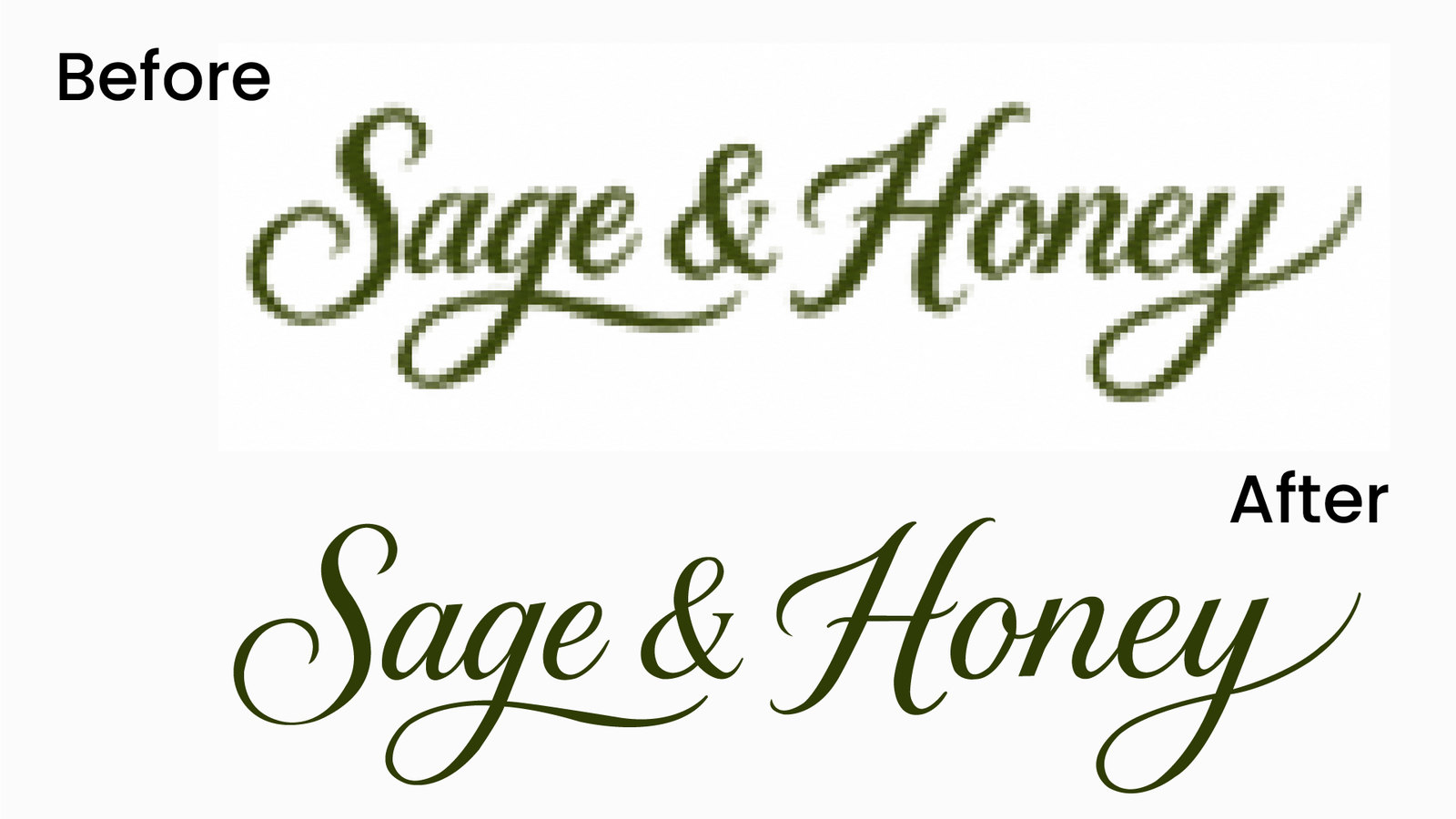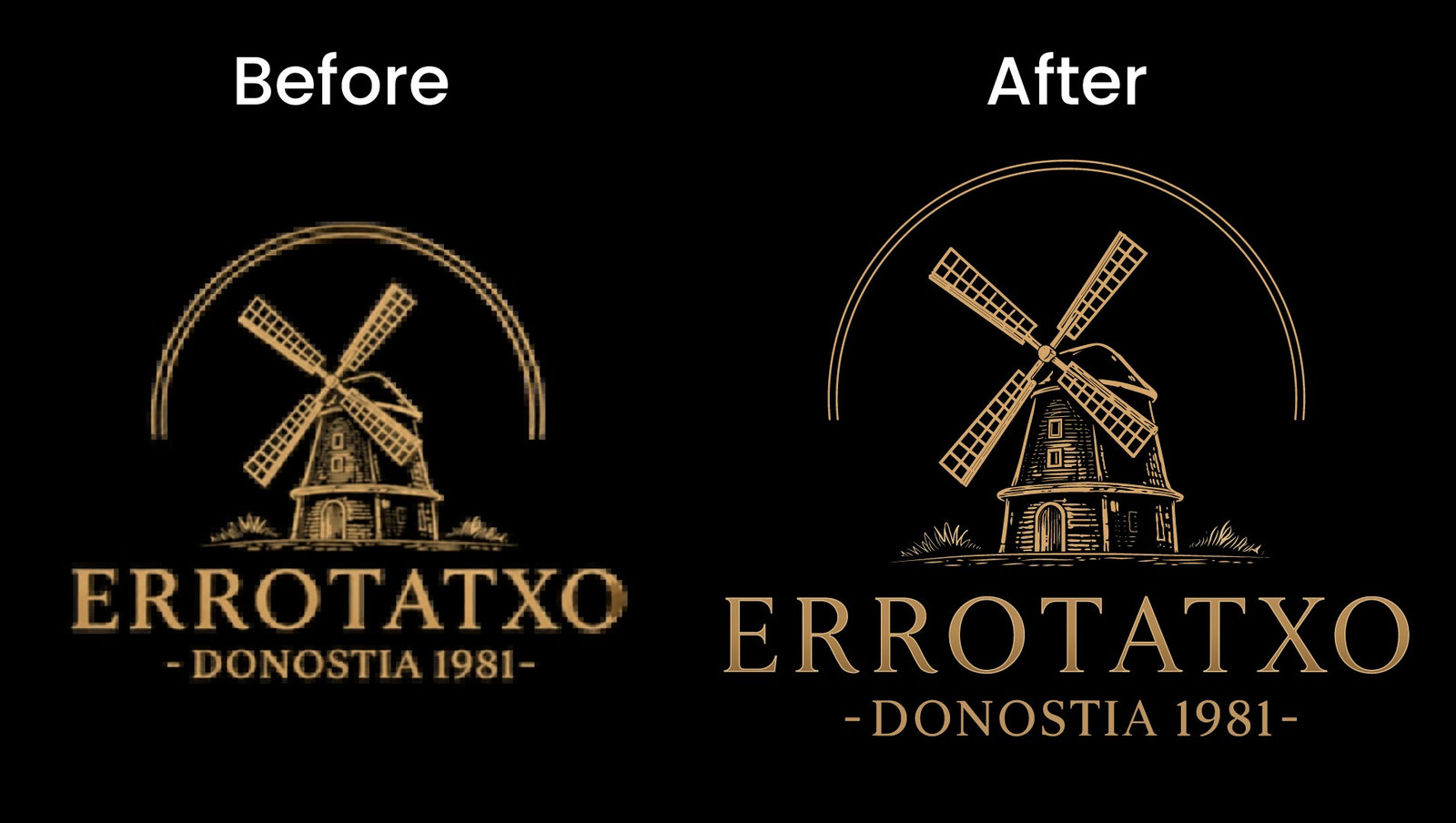
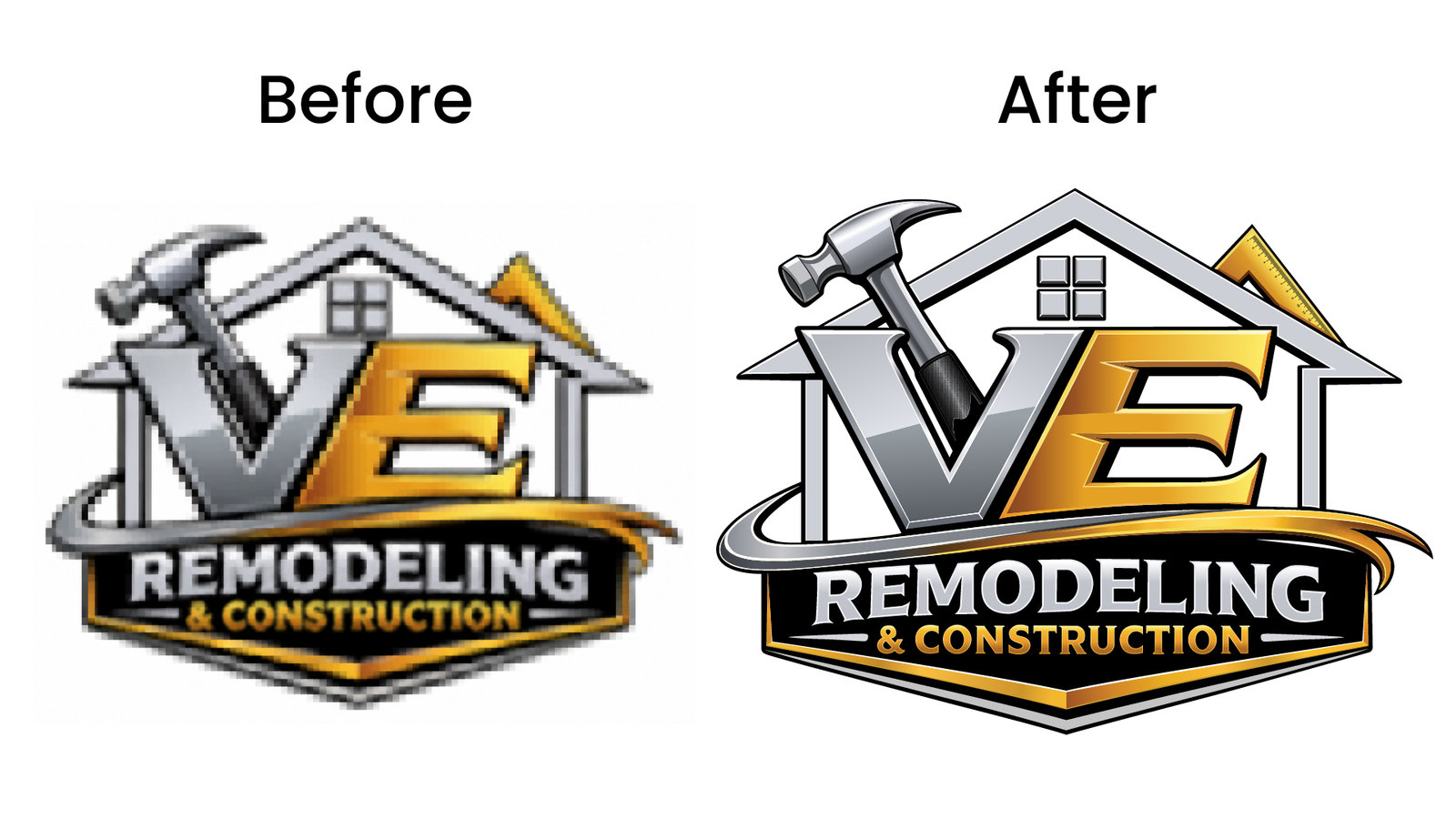
Every designer has tried it: drop a JPG into Illustrator, hit Image Trace, and hope for the best. Sometimes it works for simple shapes. But for logos with fine text, gradients, or intricate details, auto-trace tools consistently fall short.
What Auto Trace Actually Does
Automatic tracing algorithms convert pixel data into vector paths by detecting edges and color boundaries. The result is often thousands of unnecessary anchor points, jagged curves where smooth arcs should be, and text that looks melted rather than crisp.
Common problems with auto-traced logos include:
- Rough, uneven outlines on curved shapes like circles and script lettering
- Text characters that are distorted, merged, or partially missing
- Excessive file size from thousands of redundant anchor points
- Color banding and noise in gradient areas
- Loss of symmetry in geometric logo elements
When Auto Trace Works
Auto trace is a reasonable choice in a few narrow situations:
- Simple silhouettes — a single-color icon with no text or fine detail
- Quick internal drafts — when precision doesn't matter and you just need a rough shape
- High-resolution source — a clean, large PNG with sharp edges may trace acceptably
Even in these cases, you'll likely spend time cleaning up stray points and smoothing curves.
When Manual Tracing Is Worth It
Manual vector tracing means a designer rebuilds every path by hand using the Pen tool. Each curve is drawn with the minimum anchor points needed for a smooth result. Text is re-set or redrawn character by character. Colors are matched precisely, not sampled from compressed pixel data.
Manual tracing is the right choice when:
- Your logo includes text or lettering — auto-trace distorts letterforms
- The source file is low-resolution — under 1000px, auto-trace has too little data
- You need production-ready files — for printing, embroidery, signage, or engraving
- The logo has gradients or metallic effects — auto-trace creates banding
- You need organized, layered files — auto-trace dumps everything into one group
The payoff is a file that scales to any size without artifacts, prints cleanly on business cards and billboards alike, and works perfectly for embroidery, engraving, signage, and screen printing.
Cost and Turnaround Comparison
Auto trace is free and instant, but the cleanup time often erases that advantage. A professional manual trace of a standard logo typically costs $15–$50 and takes 12–24 hours. For complex artwork with many colors or fine details, it may take 24–48 hours.
When you factor in the time a designer spends cleaning up a bad auto-trace — removing extra points, smoothing curves, fixing text, separating colors — the manual route is often faster and always cleaner.
The Bottom Line
If your logo is a simple two-color icon with no text, auto-trace might get you 80% of the way there. For anything with lettering, fine details, or production requirements, manual tracing delivers a file you can actually use — at any size, on any surface, in any format.
Our manual vector tracing service handles everything from simple logos to complex illustrated artwork. See how we helped a landscaping company get their detailed badge logo ready for vehicle wraps and embroidered uniforms.
Need your logo manually redrawn as a clean, scalable vector?
Get a Free Quote