PNG to Vector Service
Convert PNG to Vector Manually Redrawn in Adobe Illustrator
Turn your PNG logo or artwork into a clean, editable, scalable vector file. Every detail is manually redrawn in Adobe Illustrator with no auto-trace shortcuts.
- 100% Manual Redraw
- No Auto-Trace
- AI • EPS • SVG • PDF
- Print-Ready Files
12+Years Experience
4,000+Projects Completed
1,700+5-Star Client Reviews
40+Countries Served
The Problem — and the Solution
PNG Images Become Pixelated When Enlarged
PNG files are made of pixels. When you enlarge them, they become blurry and lose detail. For printing, embroidery, signage or other production work, you need a clean vector file.
We manually redraw your PNG artwork in Adobe Illustrator so you get smooth curves, clean anchor points and production-ready vector files.
Have a JPG instead? See JPG to vector. Rebuilding a logo from a scan or screenshot? Our logo redraw service covers that, and every file can be delivered print-ready.
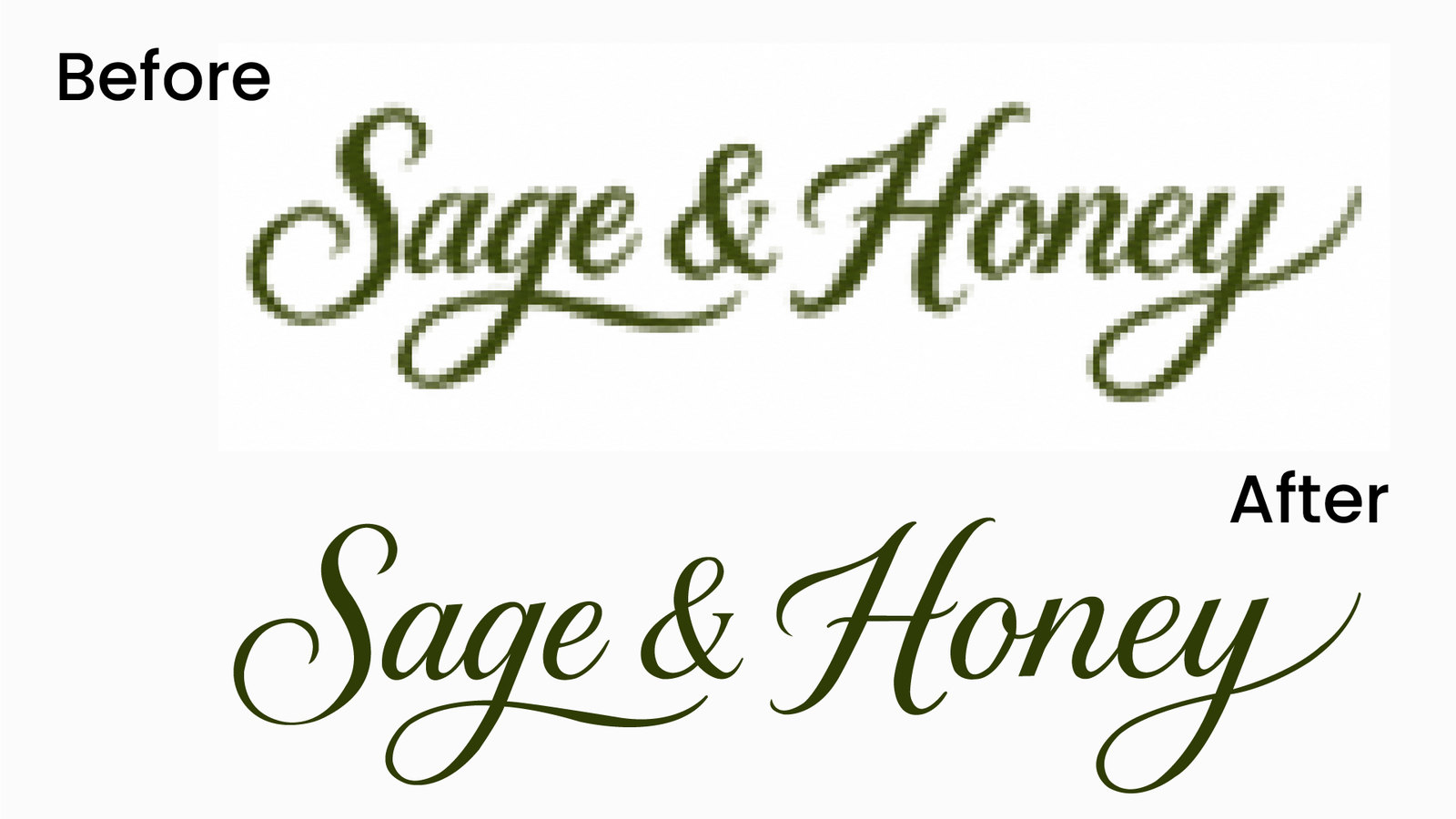
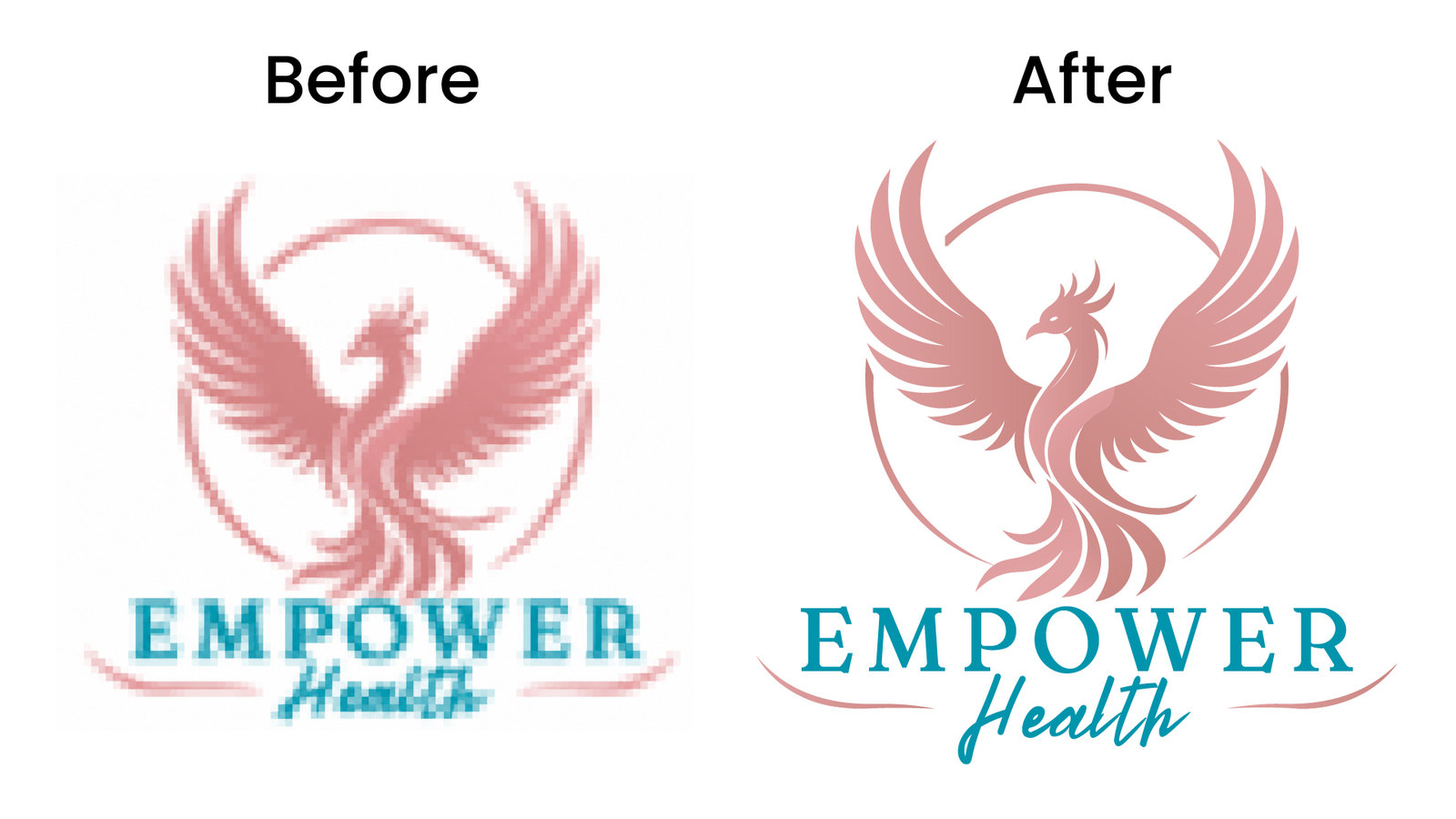
Pixelated and blurry when enlarged
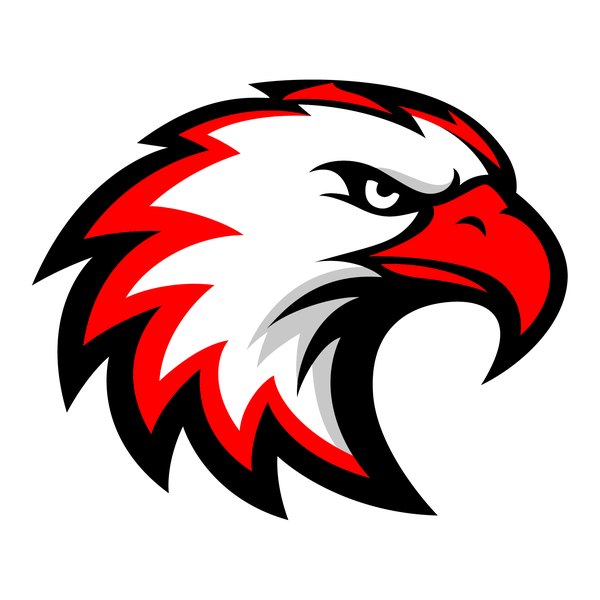
Clean, scalable and print-ready
What We Can Convert
Common PNG files we turn into clean, editable vectors.
PNG Logos
Convert logo PNG files into editable vectors.
Transparent PNG
Keep transparency and create clean vectors.
Low-Resolution PNG
Rebuild blurry or small PNG artwork.
Screenshot PNG
Convert logos or graphics captured from websites or documents.
Badge or Emblem
Redraw detailed badges and emblems.
Detailed PNG Artwork
Convert complex artwork with clean vector paths.
Real PNG to Vector Examples
See how PNG logos and artwork are rebuilt into clean, editable vector files.
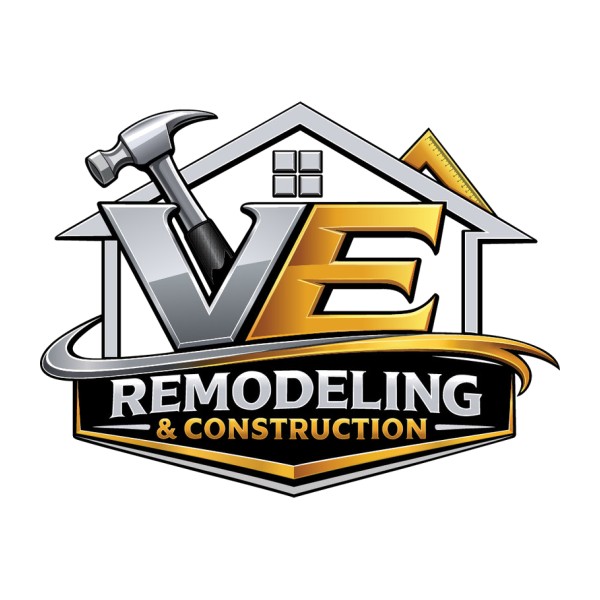
Construction logo · Vehicle wraps & signage
Jewelry illustration · Apparel print
Phoenix logo · Brand identity
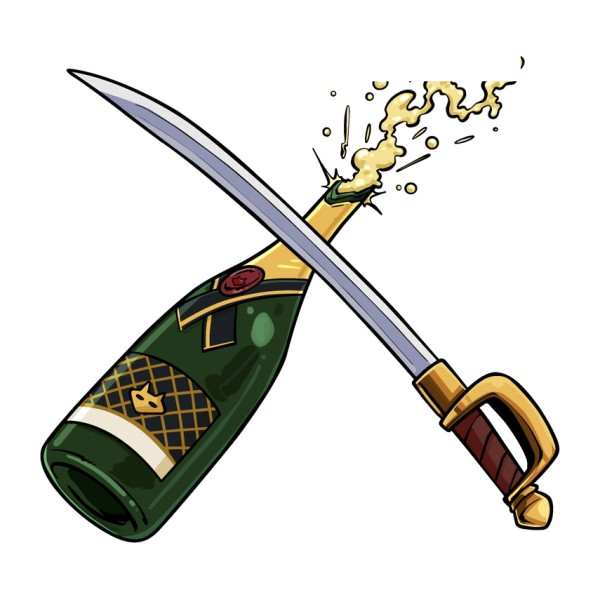
Celebration illustration · Event print
Browse more examples in our portfolio →
Why Manual PNG to Vector?
| Auto Trace / AI | Recommended Manual Vector Redraw |
|---|---|
| Jagged pixel edges | Smooth scalable curves |
| Unnecessary anchor points | Clean, intentional paths |
| Hard to edit and recolor | Fully editable vector files |
| Needs cleanup before use | Built for professional production |
100% Manual Redraw
Every path is recreated by hand in Adobe Illustrator.
No Auto-Trace
We don’t use automatic tracing or shortcuts.
Production Ready
Suitable for print, embroidery, signage, apparel and more.
Free Quote First
We review your PNG and confirm the price before any work starts.
How It Works
A simple process from your PNG to the final vector files.
-
1
Upload Your PNG
Send us your PNG logo or artwork.
-
2
We Review It
We check details, complexity and requirements.
-
3
Get Your Quote
We send you the project price before starting.
-
4
Manual Vector Redraw
Our designer manually recreates the artwork in Adobe Illustrator.
-
5
Review & Delivery
You receive the final vector files with revisions if needed.
Your Final Vector Files
Receive industry-standard vector files.
 AI
AI
 EPS
EPS
 SVG
SVG
 PDF
PDF
 PNG
PNG
 JPG
JPG
Who Needs PNG to Vector?
Trusted by businesses and professionals worldwide.
Production Applications
Ready for real-world use.
- Offset & digital printing
- Screen printing & embroidery prep
- Signage and large-format
- Vinyl cutting and vehicle wraps
- Packaging and merchandise
Simple, Transparent Pricing
Final price depends on artwork complexity. Upload your PNG for a free quote.
Basic
From $35
Simple artwork
Get a Free QuoteStandard
From $75
Medium complexity
Get a Free QuotePremium
Custom
Detailed / complex
Get a Free QuoteFrequently Asked Questions
View all FAQs +Can you convert a blurry PNG to vector?
Yes. We manually redraw blurry and pixelated PNG files as clean vector paths. If parts of the artwork are too unclear to read, we flag them before quoting so nothing is guessed.
Will I receive an editable AI file?
Yes. Every order includes an editable Adobe Illustrator (AI) file, plus EPS, SVG, PDF and a high-resolution PNG unless agreed otherwise.
Do you use Image Trace?
No. We do not use Image Trace or any automatic tracing. Every path is drawn by hand in Adobe Illustrator.
What PNG files can I send?
Any PNG: logos, transparent PNGs, small or low-resolution files, screenshots, badges and detailed artwork. Send the largest version you have for the most accurate result.
How long does PNG to vector conversion take?
Most standard PNG conversions are completed within 24–48 hours after payment. Complex artwork may need more time.
How much does PNG to vector conversion cost?
Pricing starts from $35 for simple artwork and $75 for medium complexity, while detailed or complex artwork is quoted per project. You receive a free quote before any work begins.
Can you prepare the vector for print, embroidery or signage?
Yes. Tell us how the artwork will be used and we prepare clean, production-ready vector files for printing, embroidery digitizing, signage, vinyl cutting and more.
Ready to Convert Your PNG to Vector?
Send us your PNG artwork. We’ll review it and provide a free quote. We typically reply within 30 minutes.
- 100% Manual Adobe Illustrator Redraw
- No Auto-Trace Shortcuts