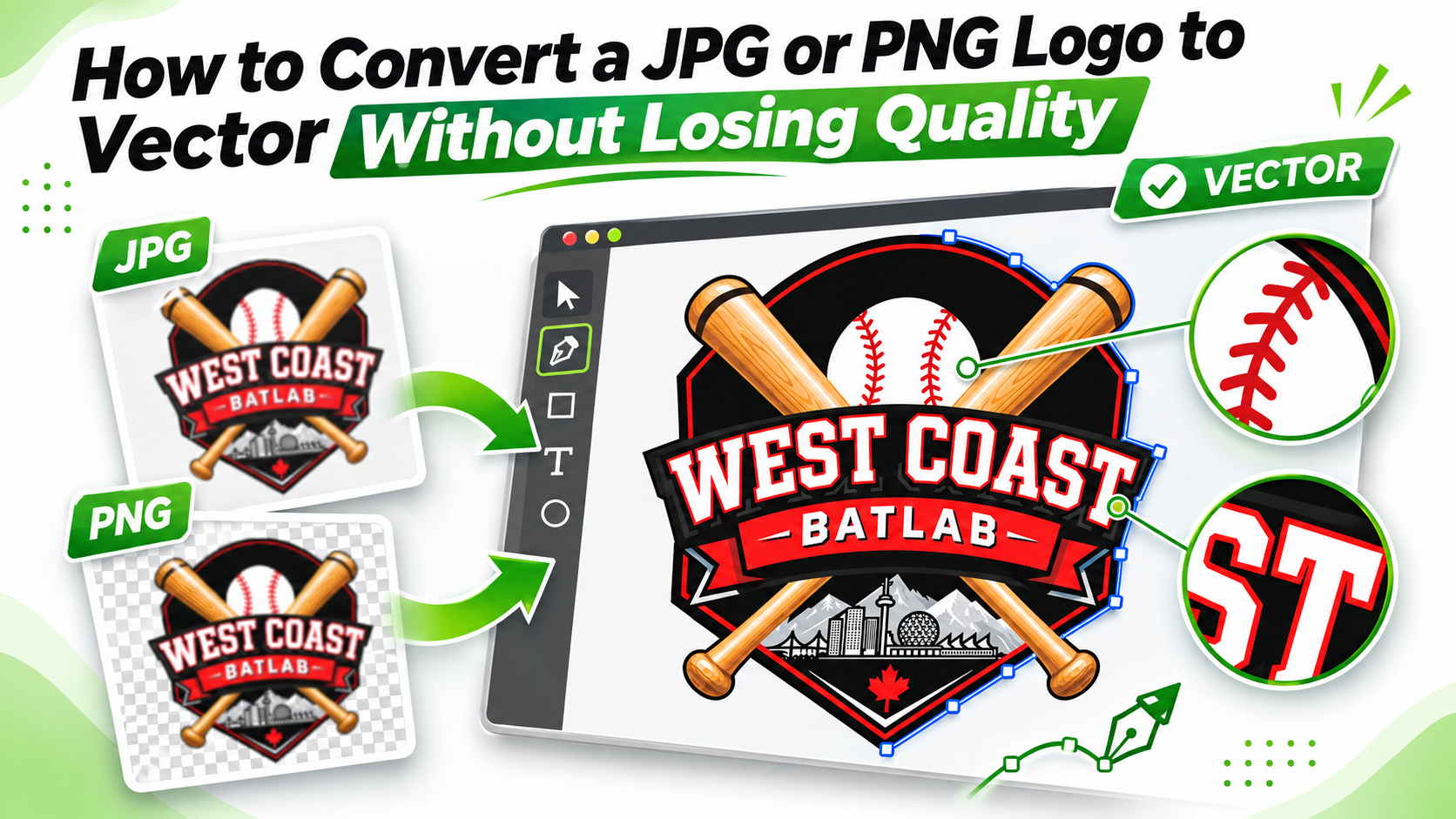
How do you vectorize a logo without loss in quality? You need to replicate the shapes, text and colors of the logo as vector pathways. Saving a JPG or PNG into an SVG or PDF won’t magically make the artwork scalable.
If you extend a vector logo, it stays sharp. This means it may be used on websites, business cards, packaging, embroideries and large format signage.
You can recreate a logo manually using vector design software or hire a professional for more complex artwork. The best approach depends on the image quality, design complexity, and intended use.
In this post, you’ll learn how to convert JPG and PNG logos, select the appropriate approach, avoid frequent mistakes, and inspect the finished files before use.
What Does It Mean to Convert a Logo to Vector?
Converting a logo to vector entails reconstructing pixel based artwork using mathematical forms, lines, curves and fills. Since these items are not constrained to a certain grid of pixels , they stay sharp when resized .
To understand why this matters, compare the two kinds of image.
| Feature | JPG or PNG | Vector Logo |
|---|---|---|
| How does it operate | Uses grid of pixels | Uses forms, curves and routes |
| Enlarge | Can get fuzzy or pixelated | Well made, stays sharp |
| Edit | Frequent pixel-level editing needed | You can alter individual shapes and colors |
| Common formats | JPG, PNG | AI, EPS, SVG |
| Good for | Photos and web previews | Logos, print, signs and branding |
Adobe explains raster vs vector graphics well on their website. Raster images are dependent on pixel resolution, while vector graphics are expressed mathematically to create forms.
The distinction is especially important for logos. A brand may need the same artwork on a small website icon, a uniform, and a large exhibition booth. A properly constructed vector master supports these different sizes without rebuilding the design each time.
Why Can't You Just Rename a JPG or PNG File?
Changing a file extension does not change how the image is constructed. Renaming logo.png to logo.svg leaves you without genuine vector artwork.
Similarly, if you export a pixel-based image from design software into a PDF, it may not include vector pathways in the PDF. It may just include the original raster image.
A real conversion rebuilds the shapes, writing, colors and other visual elements of the logo as editable vector objects. You can then save the result in the right vector format.
How to Convert a JPG or PNG Logo to Vector
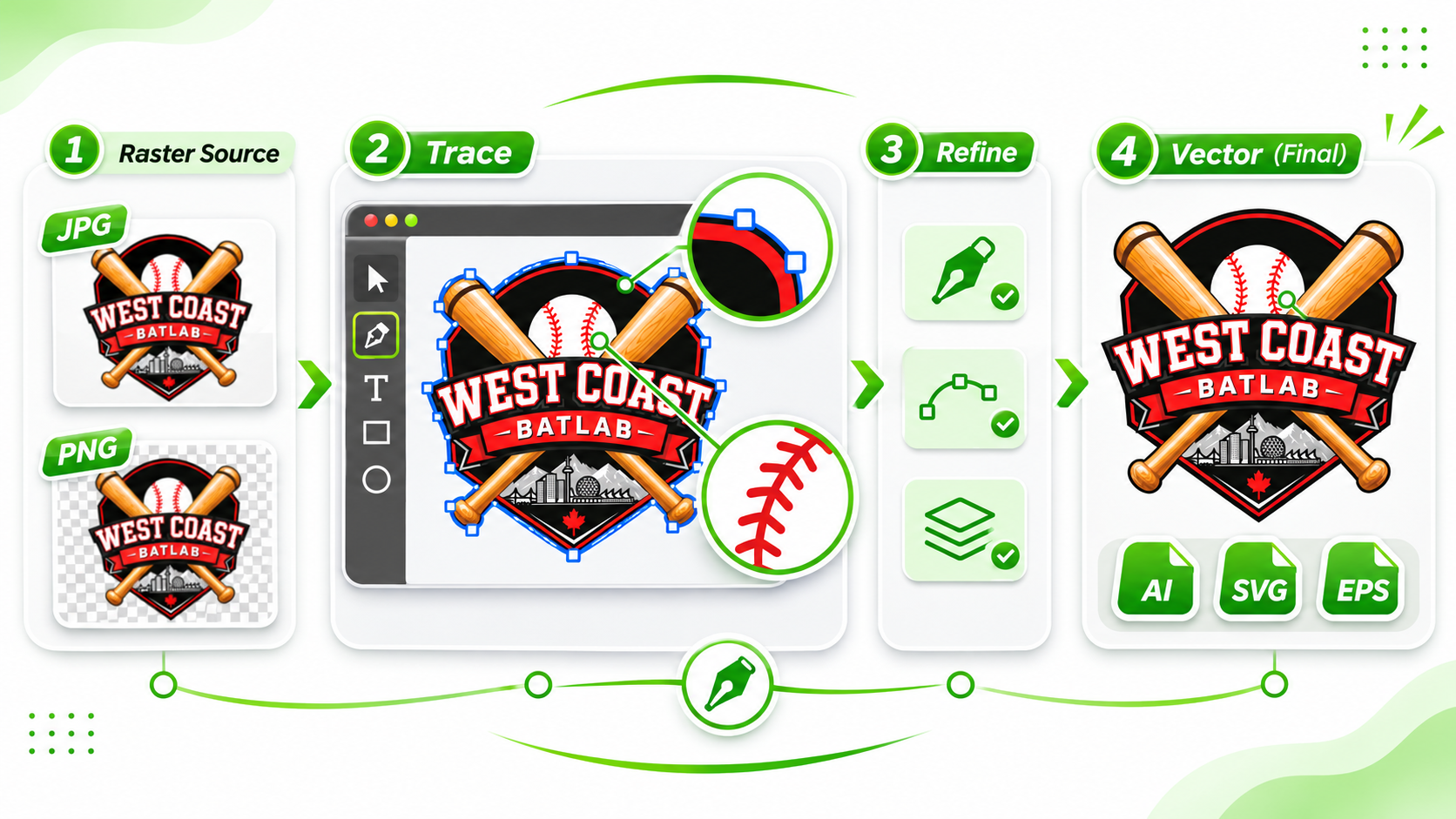
You can convert a logo via automatic tracing or manual vector sketching. A good beginning point for automatic tracing can be simple artwork. Manual reconstruction provides you more control on precision and editability .
Here’s how to make a usable vector logo.
Step 1: Find the Best Available Logo Image
Try to find the best quality JPG or PNG version you can. A larger, clearer image is usually better reference material to trace.
Before you start, ensure you have:
- A large logo instead of a little website thumbnail.
- A version with crisp borders and printable letters.
- Original Brand Colors or a trusted color reference.
- Easier inspection, if there is a transparent .png
- Variations of the logo, for example black and white or reduced variants.
If the photo is not clear you can still make the logo but you may have to interpret things that are not clear. Do not construct missing lettering or change the proportions of the brand without permission.
Step 2: Import the Image Into Vector Software
Open up a vector editor like Adobe Illustrator or the free, open source tool, Inkscape. Make a new document and import your logo image.
Place the image on a separate layer and lock it, so it doesn't get accidentally moved. Then you may do vector art over it
For logos with many colors, see where one shape finishes and another begins. Pay special attention to letter spacing, minor gaps, curving edges and overlapping parts.
Step 3: Choose Automatic Tracing or Manual Redrawing
Your choice next affects the extent of your power over the final product.
Option A: Auto tracing
Adobe Illustrator’s Image Trace function takes a raster image and converts it to vector shapes. Inkscape has a similar function with the Trace Bitmap tool.
An example workflow is:
- Import and select logo
- Open up the picture tracing tool in the software.
- Choose parameters that suit the image, like a black and white or color trace.
- Preview the shapes you’ve generated, and tweak the settings.
- If the software requires it, convert to editable paths.
- Inspect the paths and remove unnecessary shapes.
See the official Inkscape bitmap-tracing tutorial for a practical introduction to tracing options.
Automatic tracing works particularly well with simple, high-contrast logos. But it can also produce jagged curves, too many anchor points, irregular edges, or disconnected objects that are hard to modify.
Option B: Draw vector by hand
Manual tracing is the recreation of the artwork by vector drawing tools, rather than just using computer generated contours.
On the outline of the logo anchor points are added and the curves are manipulated to the original geometry. They can clone text and match geometric elements. They can expand spacing. They can match colors independently.
This process takes more time but allows for more control over the end output. Ideal for intricate logos, low quality artwork and ideas headed for professional production.
If you want a logo that appears consistent across all your print and branding items, then the extra work of painstakingly recreating it by hand can be worth it.
Step 4: Rebuild the Details That Automatic Tracing Misses
Once you have the fundamental shapes, you'll want to concentrate on the details that really make a professional logo stand out from a sloppy drawing.
Here are some points:
- Curves: Improved rough edge handling and removal of unneeded anchor points.
- Lettering: Retain the original letterforms, spacing, and proportions.
- Colors: Blends nicely between brand colors, forms close to each other.
- Negative space: The deliberate space between letters, symbols and the Insignia.
- Alignment: Shift misaligned elements, balance out spacing.
- Small Details: Elegant Design. Simplify, if required for the problem at hand.
If the logo include text, you may choose to maintain the text as editable text or convert it to vector outlines. If the receiving party does not have the original font, outlines will preserve the look. It makes it a little more difficult to change the text directly.
Step 5: Export and Test the Vector Files
When applicable, save the editable master in the software's native format. Export in the formats you need for your intended applications.
| Format | Regular Purpose |
|---|---|
| SVG | Websites, interfaces and compatible design tools |
| EPS | EPS-enabled print and production workflows |
| Sharing artwork and print operations when stored with vector content |
Remember, a file extension does not guaranty that the contents are vector based. Open the exported file and examine the artwork to ensure that pathways remain editable.
Test the logo at small and large sizes. Watch for missing shapes, unanticipated color shifts, breaks between items and warped text.
For more in-depth preparation, use Manual Vector Tracing’s PNG to vector conversion service, which specializes in recreating PNG artwork as editable vector files.
JPG to Vector vs. PNG to Vector: What Is the Difference?
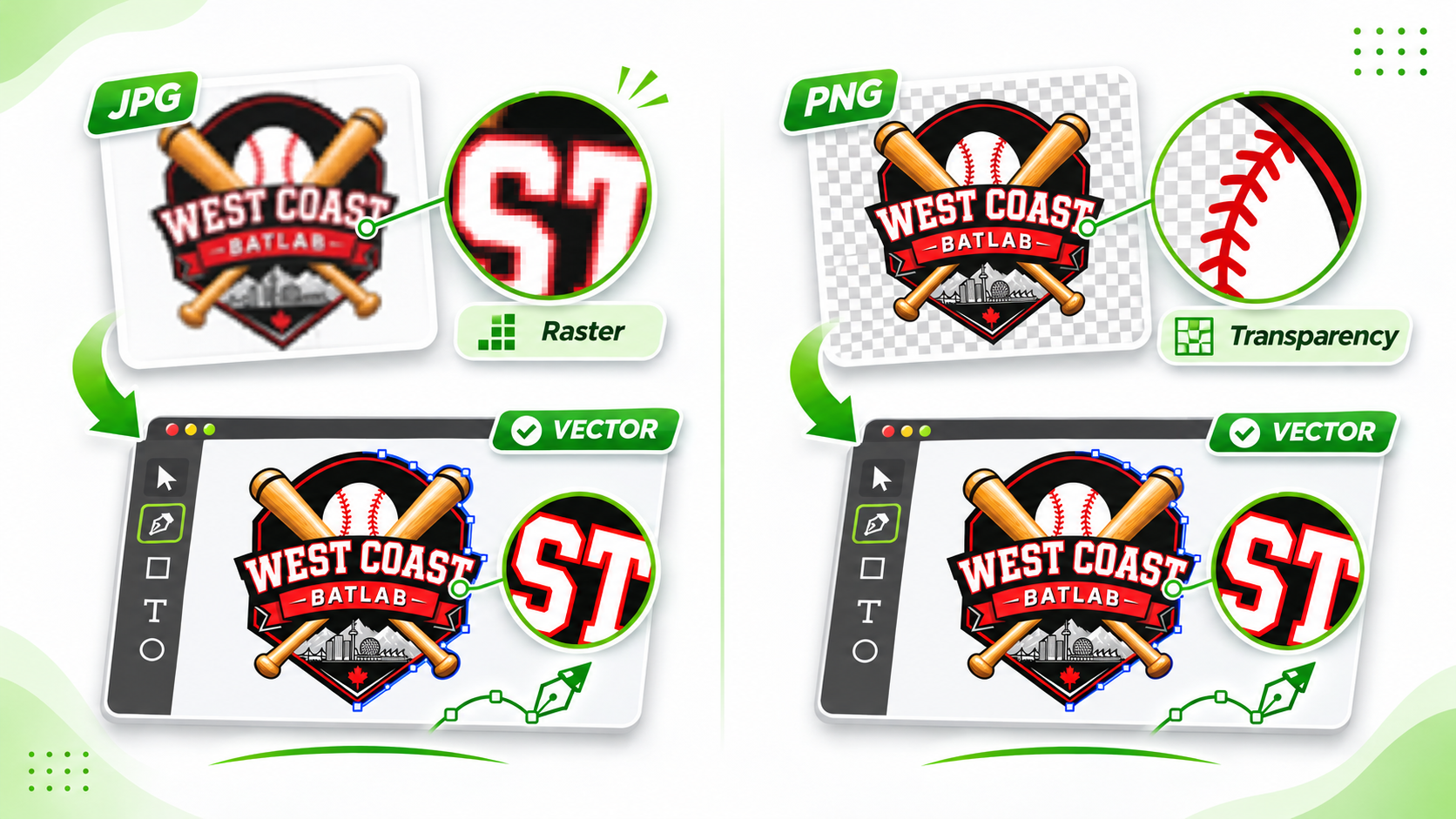
Both formats can serve as references for vector reconstruction, although the effort required depends on their image qualities.
| Factor | JPG to Vector | PNG to Vector |
|---|---|---|
| Transparency | Usually has a strong background | Cell |
| Compression | Lossy compression can result in artifacts | Loseless compression keeps the image data preserved intact, |
| Common Challenge | Blurry edges, compression, noise and backdrop colors | Low resolution, rough edges, complicated transparency |
| Best Starting Point | The clearest available JPG | A transparent PNG, clean or high resolution |
JPG compression can add visual imperfections around sharp edges and writing. PNG avoids lossy compression, but it cannot restore detail that was missing from the original image.
Neither format automatically produces a better vector result. The clarity of the reference, complexity of the logo, and accuracy of the reconstruction matter more.
If you have a JPG, use the dedicated JPG-to-vector service to explore a manual redraw option.
Common Mistakes to Avoid When Converting a Logo
A logo can look acceptable on screen but still contain problems that become obvious during printing or editing.
Avoid these mistakes:
- Changing the extension instead of converting the artwork: This does not create vector paths.
- Taking an automated trace on faith. There can be jagged curves, superfluous shapes.
- Ignoring the original typefaces A different typeface can change the look and feel of a brand.
- Logo should have transparency but can leave behind a white rectangle Background forgetting
- Assuming all PDFs are vector. Some PDFs contain only embedded raster graphics.
- Ignoring Production Needs: A logo that works on a website may need to be further processed for embroidery, engraving or vinyl cutting.
- Licensing: When using third-party artwork, ensure you have the right to reproduce and use the logo.
And checking the final file takes a few minutes and can save a lot of production difficulties.
When Should You Hire a Professional Vector Tracing Service?
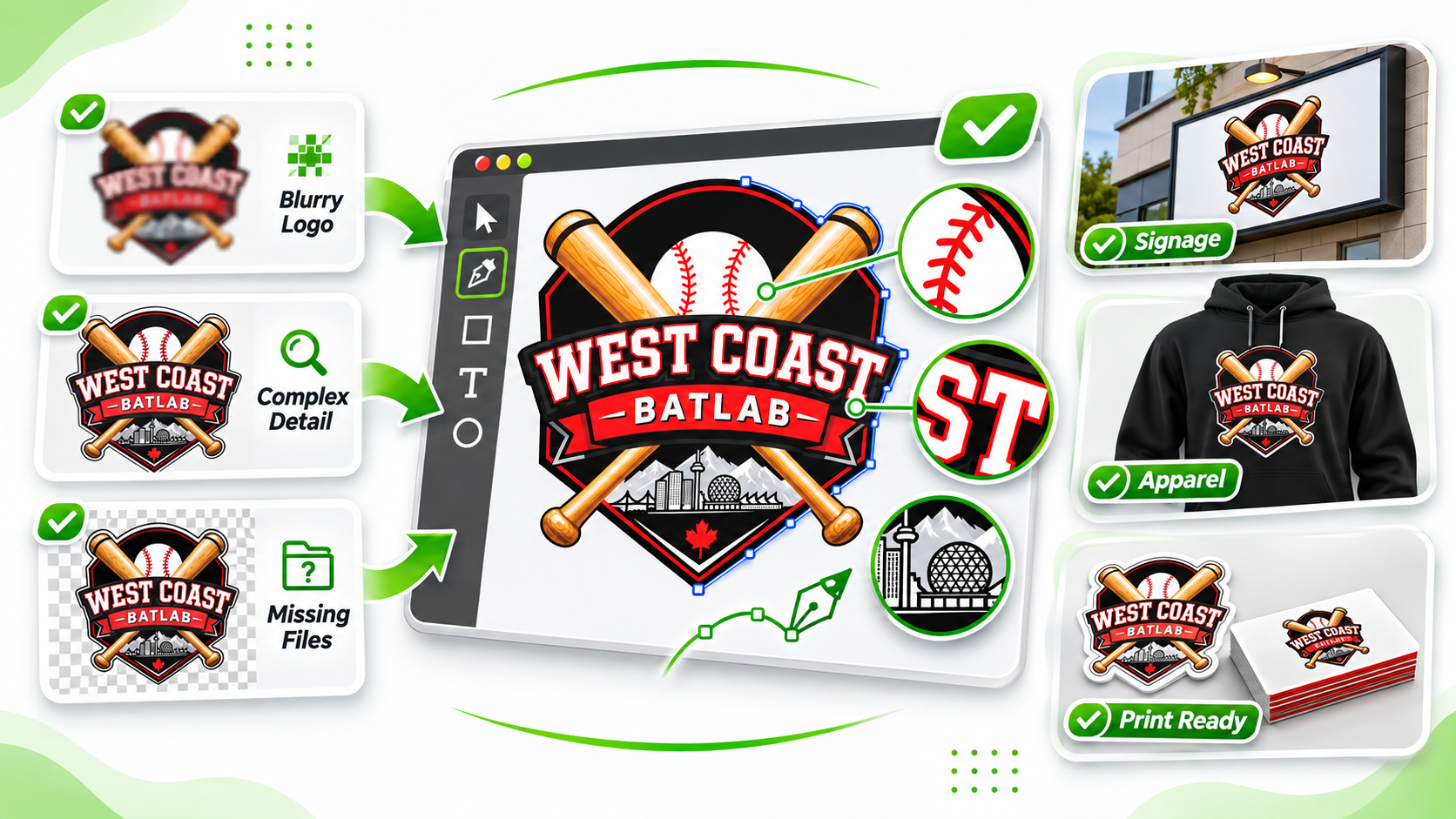
If the logo is fuzzy, complicated, difficult to trace, or crucial to your company’s visual identity, you need to seek professional aid.
A pro can recreate the artwork, fine-tune its outlines and provide files for the programs you request. This might be especially handy if you’ve lost the original design file and want a safe replacement.
Manual Vector Tracing provides manual PNG to vector conversion and JPG to vector conversion for logos and other artwork. The service states that its approach is to manually redraw artwork in Adobe Illustrator and not to use automatic tracing.
Please supply the clearest image you have and clarify how you want the logo to be utilized before purchase. Ask for the output formats you need and any specifications for colors, transparency, lettering or production.
Check out the Manual Vector Tracing website for their services and get a quote.
Frequently Asked Questions
Can I convert a JPG to vector without losing quality?
Okay. A designer can redraw the logo in vector paths to make it scalable, while keeping the look. Reconstruction quality. Reference photo quality
Can I convert a PNG logo to SVG for free?
Yes. You may also trace PNG art work with Inkscape and output as SVG for free. You may have to tweak some of the paths yourself for clear, accurate results.
Which is better for a logo, SVG or PNG?
SVG is usually the winner when you need scalable art for acceptable websites and design applications. PNG is suitable for programs that need raster graphics, transparency, and pictures that have a fixed size.
Does converting a logo to vector improve its original resolution?
Vector reconstruction does not necessarily recover missing image information. It recreates shapes so the resulting work can scale without pixelating. Some information is fuzzy and must be inferred or cross-referenced.
How do I know if my logo is truly vector?
Open the file in a vector editor and select individual elements. If you can select and edit the paths or shapes independently, the artwork contains vector elements. Also check that the image is not simply embedded as a raster picture.
Can a blurry or low-resolution logo be converted to vector?
Yes . You can re-make the fuzzy logo by hand, using the image you have at hand as reference. However, if there is confused writing or missing design parts, a better resolution photograph or confirmation from the brand owner may be needed.
What vector format should I request for printing?
Find out which format your print provider accepts. Standard Print Workflow Formats AI, EPS and Vector Based PDFs SVG is used in digital applications in numerous ways. Requirements depend on the printer and technique of manufacture.
How long does it take to convert a logo to vector?
The time required depends on the complexity of the logo, the quality of the image and the deliverables required. A simple geometric logo will usually require less effort to produce than a complex emblem or painting. If you're asking for a price, ask for an estimated turnaround.
Need a clean, print-ready vector file?
Get a Free Quote